Breeders
Get help with the Good Breeder application process, setting up your breeder profile, payments, and more.
Update your Program's Health Testing
- Click on Health & Behavior, on the left side of the screen.
- Under Breeding Dog Health begin typing the name of the health test you would like to add, then click on the test when it appears
- Click Save
Still need help?
Contact SupportFeatured Articles
-
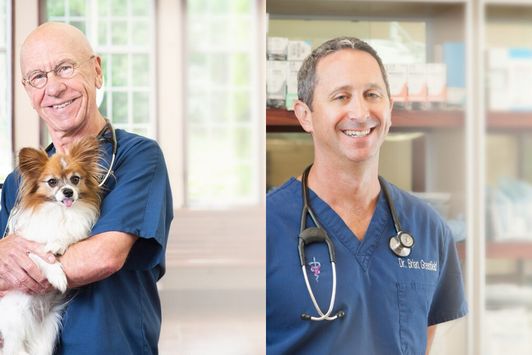
Good Dog Q&A with Dr. Hutchison and Dr. Greenfield
Dr. Hutchison & Dr. Greenfield explore ethics in dog breeding.
-
The latest information on transportation during COVID-19
Wondering what to do about getting your pups to their new homes in the age of coronavirus? Here's the current situation.

Are you a dog breeder interested in learning more about our community from a real person?
If you’re a responsible breeder and are interested in learning more about us, our community, and our mission, we’d love to speak with you. Please feel free to email us anytime at breederteam@gooddog.com and a member of our dedicated breeder team would be happy to answer your questions and share more about Good Dog with you.
Join our Good Breeder Community
Are you a responsible breeder? We'd love to recognize you. Connect directly with informed buyers, get access to free benefits, and more.