Breeders
Get help with the Good Breeder application process, setting up your breeder profile, payments, and more.
Edit Puppy Information
- From your Good Dog Dashboard, click on Listings
(Good Dog Breeder App users will tap Program at the bottom of the screen) - Click on the listing with the dog you would like to update
- Click the Details tab to edit information such as Sire & Dam, Description, Date of Birth, Go Home Date, Price, etc.
- Once finished, click Save at the bottom
- Write a puppy description. A short description of a puppy’s personality and temperament can help bring your listing to life. These details attract more buyers and help people connect with their potential future pup more easily.
- Include attributes like color, size, and more. This way, your pups will show up when buyers use a filter to search for a specific trait like color, size, coat type, and tail. (Note: these attributes are only included if they’re applicable to a specific breed.)
- Keep puppy availability up to date. Make sure you mark any planned or expected litters as “available” once your puppies are born, so that when potential buyers find you, they get accurate info. . And if you have an active born litter, keep your available puppies up to date, too.
- Add puppy photos. Puppies with photos can get up to 60% more applicants than those without — and they show up higher in our search results.
Still need help?
Contact SupportFeatured Articles
-
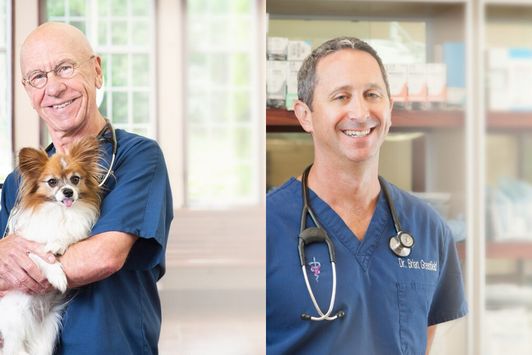
Good Dog Q&A with Dr. Hutchison and Dr. Greenfield
Dr. Hutchison & Dr. Greenfield explore ethics in dog breeding.
-
The latest information on transportation during COVID-19
Wondering what to do about getting your pups to their new homes in the age of coronavirus? Here's the current situation.
Are you a dog breeder interested in learning more about our community from a real person?
If you’re a responsible breeder and are interested in learning more about us, our community, and our mission, we’d love to speak with you. Please feel free to email us anytime at breederteam@gooddog.com and a member of our dedicated breeder team would be happy to answer your questions and share more about Good Dog with you.
Join our Good Breeder Community
Are you a responsible breeder? We'd love to recognize you. Connect directly with informed buyers, get access to free benefits, and more.