Looking for a dog
Get help with your puppy application, contacting breeders, making payments, and more.
Favoriting breeders or puppies
- Log in to your Good Dog account
- Select Favorites
- Log in to your Good Dog account
- Navigate to your name at the top and select. Then select Favorites.
- Select the heart icon to remove the breeder from your favorites
- Log in to your Good Dog account
- Navigate to your name at the top and select. Then select Favorites.
- Select Request info
Still need help?
Contact SupportFeatured Articles
-
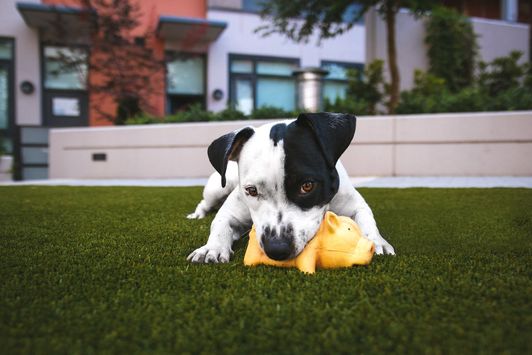
What’s the difference between a shelter and a rescue?
Understanding the differences between shelters and rescues will help you navigate your adoption process.
-
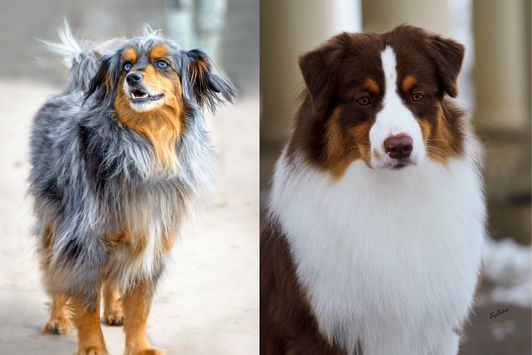
The fundamental difference between purebred dogs and well-bred dogs
Never assume that a dog came from a reputable breeder simply because it’s purebred.
-
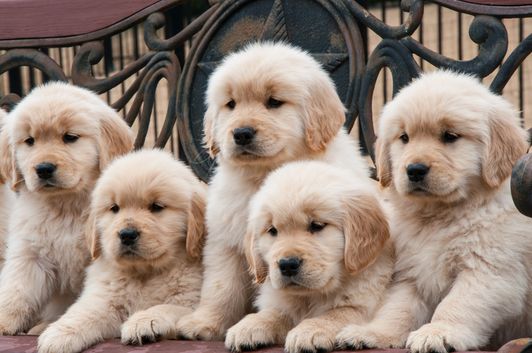
What to expect when working with a responsible breeder
Working with a responsible breeder can lead to a lifetime of happiness with your furry friend. Here's what to expect from the process.
Contacting your Breeder, Shelter, or Rescue
The fastest way to get answers to your questions is to reach out to your breeder, shelter, or rescue directly.
If you have additional questions and would like to speak to a member of the Good Dog team, please email us at help@gooddog.com