Your guide to communicating on Good Dog
Everything you need to know about communicating with buyers on Good Dog.
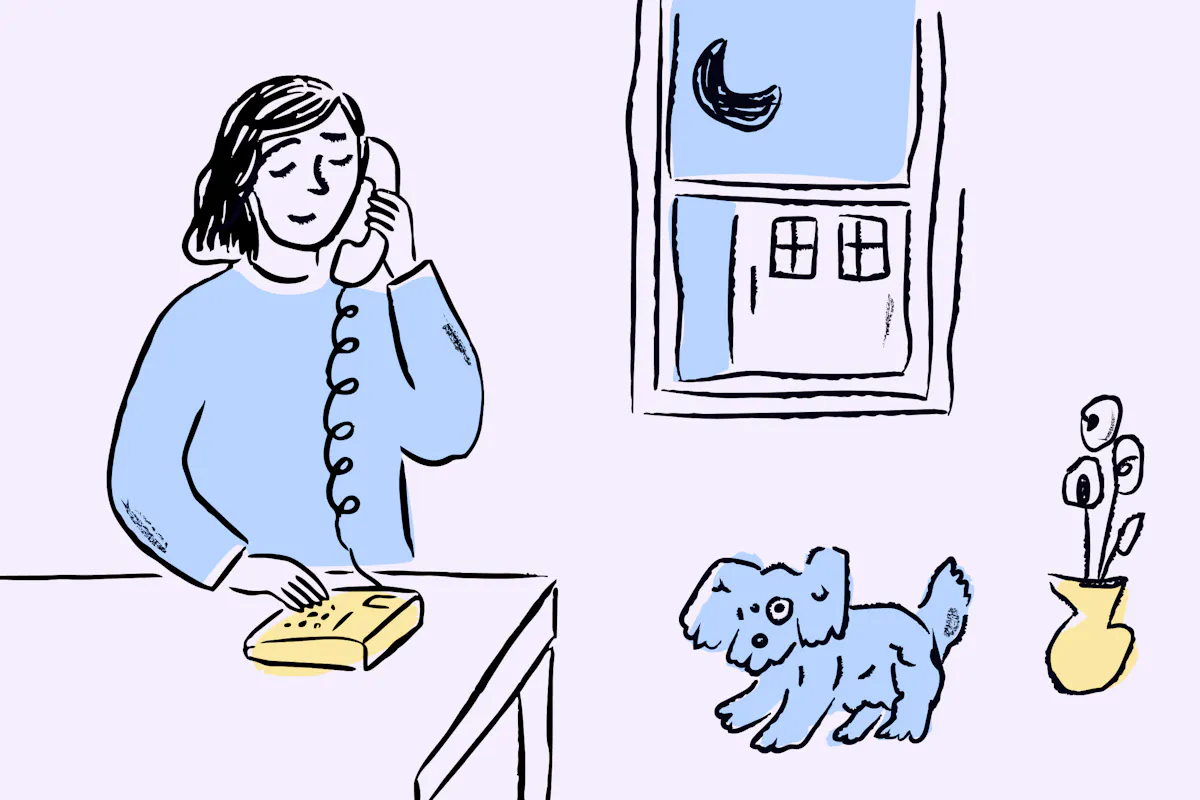
From a buyer’s first application to the day a puppy goes home, Good Dog keeps all of your communication in one place. Our tools are built to support real conversations — messages, calls, video, and more — without juggling texts, emails, or separate apps.
Keeping communication on Good Dog helps protect your privacy, maintain a clear record, and ensures our built-in protections can work as intended throughout the process.
In this guide, learn about:
Messaging on Good Dog
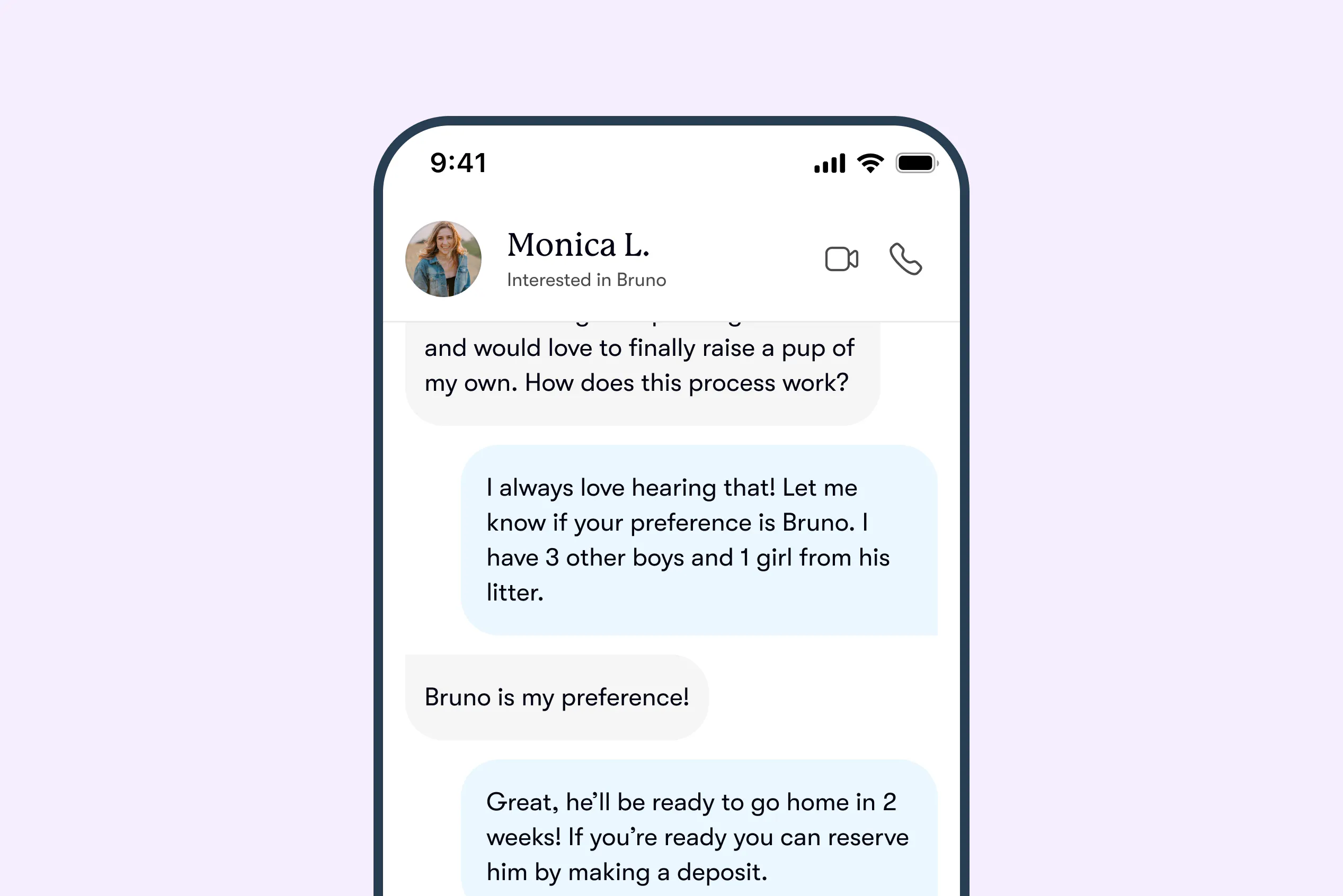
Good Dog Messenger is your home base for working with buyers.
Each buyer has their own message thread in your Inbox, so you can easily manage conversations at every stage of the go-home process. Send messages, photos, videos, documents, and request payment all in one place.
You’ll receive alerts by email and push notifications when a buyer sends a message, so you never miss an update.
Delivery and read receipts show when your message has been delivered and read, so you’re never left guessing.
Each thread also includes a built-in to-do list with key milestones like deposits and final payments, helping you stay organized and set clear expectations for your buyers.
For the fastest, most seamless messaging experience, we recommend using the Good Dog app. Download it on the App Store or Google Play.
Calling on Good Dog
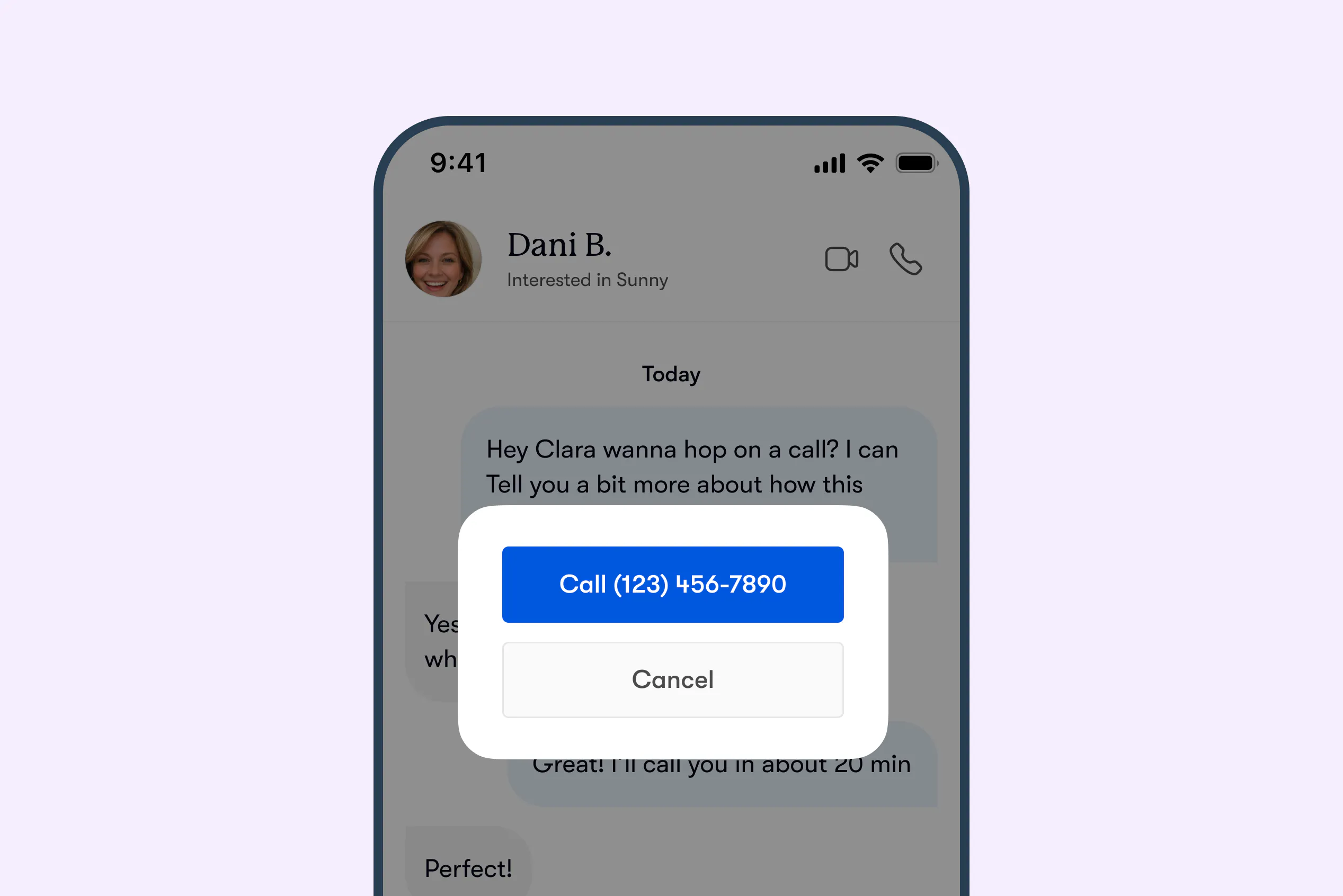
Once a buyer submits an application, you can call them directly from Good Dog and they can call you.
Calls ring through to your phone just like any other call you make or receive. You don’t need a separate device or system, and your personal phone number stays private.
Behind the scenes, you and the buyer are each assigned a unique Good Dog Number that forwards calls directly to your personal phone. This allows you to call or text while keeping personal numbers private, and ensures calls and texts stay connected to your Messenger thread.
You can always find a buyer’s Good Dog Number in your message thread.
If you prefer not to receive calls, you can turn off calling in from the Communications tab of your account settings at any time. When calling is disabled, buyers won’t see the option to call you from the Messenger thread.
How to call a buyer
From your phone
Open your message thread and tap the phone icon, then select Call. The call will begin ringing.
From desktop
Open your message thread to find the buyer’s Good Dog Number, then dial it from your phone.
For the most seamless experience, we recommend using the Good Dog app. Download it on the App Store or Google Play.
Voicemail
If a buyer doesn’t answer, you can leave a voicemail as usual. They’ll receive it on their phone and see a notification in their Good Dog Messenger.
Texting a buyer
The easiest way to message a buyer is through the Good Dog Messenger. You can also text them using their Good Dog Number. Texts will appear in your Messenger thread alongside your messages and call history, keeping everything documented in one place.
Video calling on Good Dog
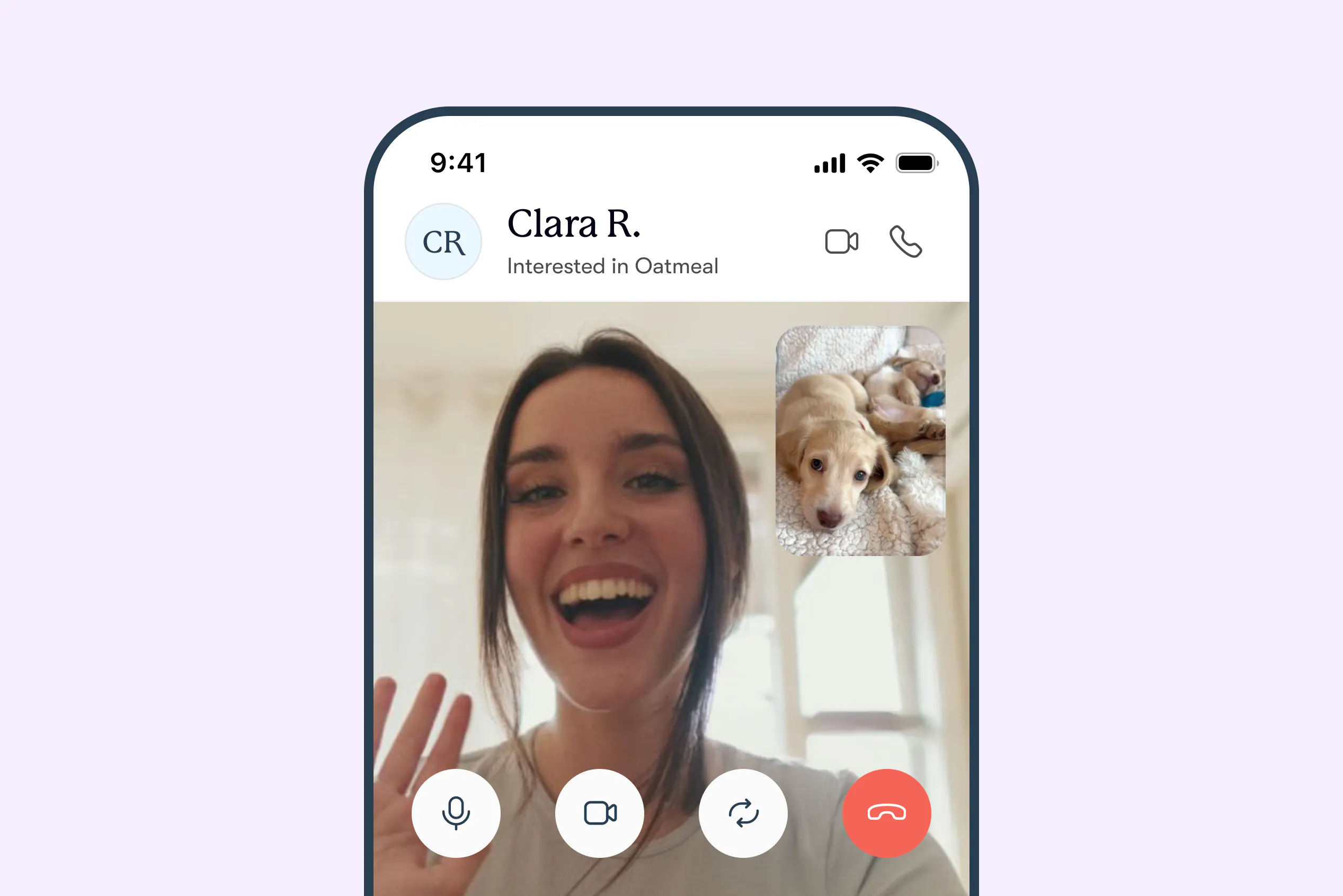
Video calls in the mobile app let you start a face-to-face conversation with Good Dog buyers right from the message thread — no numbers to exchange and no separate apps to coordinate.
Video calling is available as soon as a buyer submits an application to your program.
How to video call a Good Dog buyer
Open your message thread in the Good Dog mobile app and tap the video icon to connect.
Both you and the buyer must have the Good Dog mobile app to use video calling. If you attempt to start a video call from your browser, you’ll be prompted to download the app from the App Store or Google Play.
Managing video calling
You can turn off video calls anytime from the Communications tab of your account settings. When it’s turned off, buyers will no longer see the option to start a video call from your message thread.
Viewing your communication history
Your message thread keeps a log of all phone calls, video calls, and messages between you and each buyer, including any missed calls, so your full communication history is always easy to find. Calls themselves are not recorded.
Blocking a buyer
If you block a buyer, phone calls, video calls, and messages through Good Dog are automatically disabled. You can block any buyer directly from Messenger at any time.
Everything in one place
No matter how you communicate — messages, calls, video, or texts — it all lives in your Good Dog Messenger, alongside the rest of your placement process.
That's why we’ve set a clear standard that all communication with your Good Dog buyers stays on Good Dog, from the moment they apply to go home day. Keeping everything on the platform helps protect your privacy, maintain a clear record, and ensures our built-in protections can work as intended. It also allows our team to step in and support you if something doesn’t go as expected.
When everything is in one place, you spend less time tracking down conversations and more time doing what you do best: raising healthy pups and finding them the perfect families. Good Dog is here to support your program every step of the way.
If you have questions about communicating with Good Dog buyers, contact us anytime at breederteam@gooddog.com and someone from our team will be happy to help!