Frequently Asked Questions about the Breeder Mobile App
Here's everything you need to know...
Good Dog is on a mission to educate the public, support dog breeders, and promote canine health so we can give our dogs the world they deserve.
Good Dog is on a mission to educate the public, support dog breeders, and promote canine health so we can give our dogs the world they deserve.
Good Dog is on a mission to educate the public, support dog breeders, and promote canine health so we can give our dogs the world they deserve.
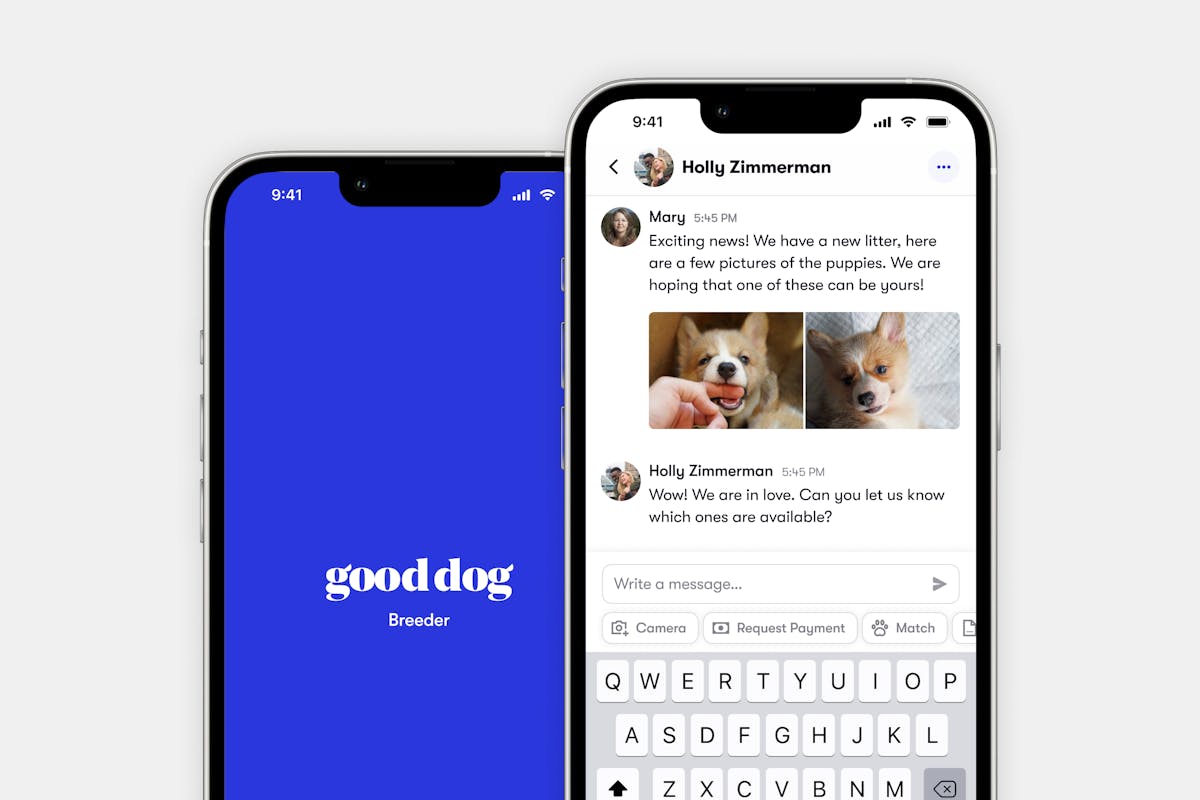
The Good Dog Breeder App has arrived for both iOS and Android! With the mobile app, you have the power of Good Dog at your fingertips. You can message with buyers, easily upload photos and videos, manage litters and send secure payment requests from anywhere. With so much to explore, we’ve compiled a few frequently asked questions below to help walk you through everything you need to know to start using Good Dog on the go!
Who can use the app?
The mobile app is available to all Good Breeders with iOS or Android devices.
For iOS users: You’ll need an iPhone 6S or newer with operating software of iOS 14 or higher (but don’t worry — you most likely meet these requirements!).
How do I download the app?
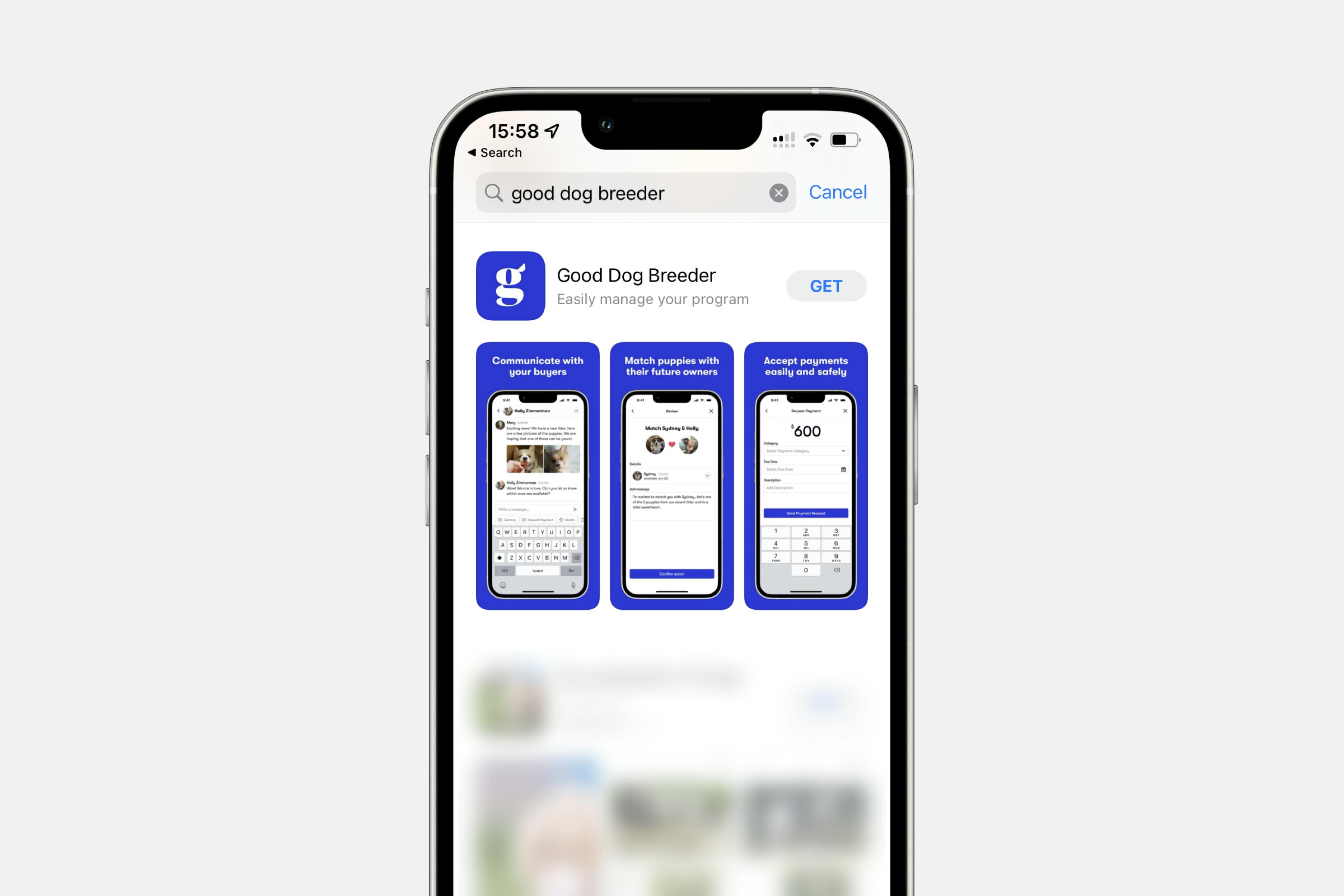
To download the app on your iPhone, follow the steps below:
- Visit the app store
- Tap the Get button to download the app
- Confirm the installation by following the directions on your phone
Or
- Navigate to the App Store on your iPhone
- Search “Good Dog Breeder” and find the app in the results
- Tap the Get button to download the app
- Confirm the installation by following the directions on your phone
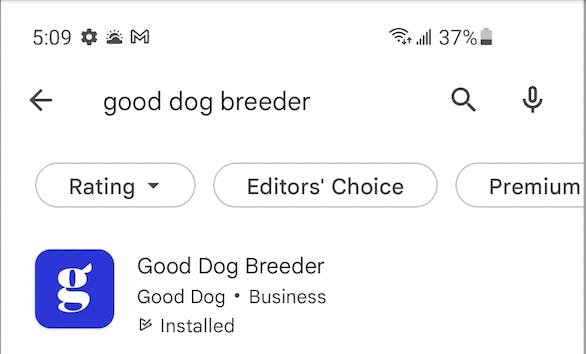
To download the app on your Android:
- Visit the Play Store on your Android device
- Search “Good Dog Breeder” and find the app in the results
Tap the Install button to download the app
How do I log in?
You will need your Good Dog login information (email address and password) to sign in to the app. If you’re not sure about the email address associated with your account or you have any problems logging in, just reach out to your Good Dog Specialist at breederteam@gooddog.com - they’ll be happy to help you access your account!
If you are not yet a member of Good Dog, we invite you to sign up to join our community!
How do I navigate the app?
The Good Dog Breeder app is organized into four tabs, which will be accessible from the bar at the bottom of your screen when using the app:
- Inbox - access your messages and applicants
- Program - add and update litters and breeding dogs
- Payments - request secure deposits and puppy payments
- You - access your profile, account settings, and Good Dog’s resources, benefits, and support
Here’s a little more detail on what to expect from each area of the app…
Inbox
Messaging in the app lets you communicate easily with your applicants and buyers, review applications, and send customizable messages with your decision from anywhere. If you're using an iPhone, make sure you allow push notifications on your phone when you first log in so you’ll always be notified of new messages immediately. To send a message, make sure you are in your “inbox” tab, and then select the applicant or buyer you would like to message with.
Don’t see the conversation you’re looking for? Now you can use the app to search your inbox by name to find a specific applicant! Just start typing in the search bar at the top of your screen.
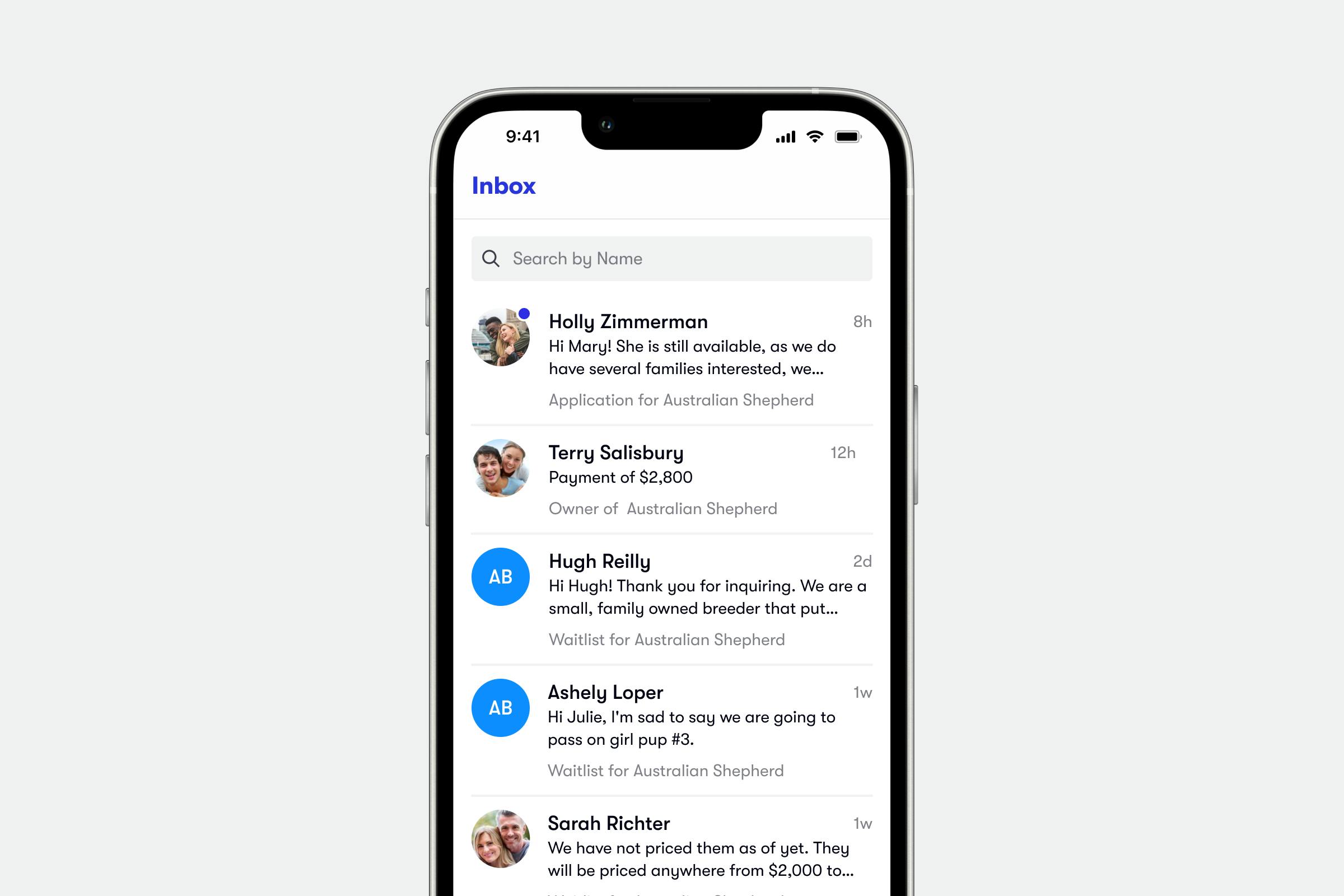
From your inbox, you can also easily share photos and videos with your applicants directly from your phone, match them to a puppy or litter, and send documents and payment requests directly in the conversation thread so you can keep all of an applicant’s information organized and in one place.
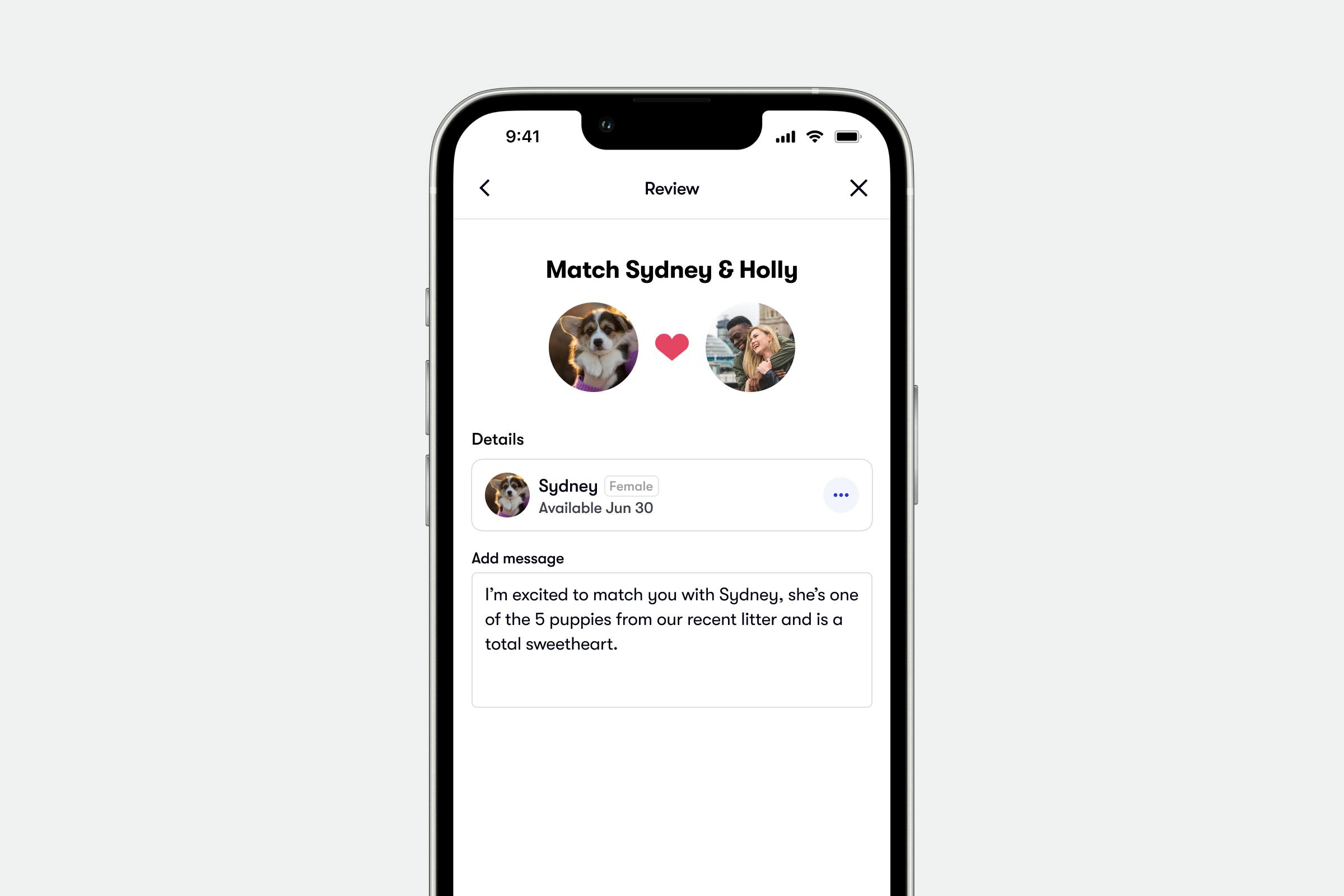
Step-by-Step Instructions:
Payments
The “payments” tab lets you easily request and manage your deposits and puppy payments. You can also view your payment transaction history, update your payment settings, and more! With the app, you have the flexibility to request deposits and payments when it’s right for you and your buyer. You can even easily request a puppy payment in-person at the time of pick up!
If you have not yet set up a secure payout method, you’ll be asked to choose how you’d like to receive your payments on Good Dog when you open your “payments” tab. Choose get started and follow the prompts to get set up to start securely accepting payments.
Step-by-Step Instructions:
Program
The “program” tab is your space to show off your dogs! Let your potential buyers know you have an upcoming litter, or add photos and detailed information for your puppies. With the mobile app, it’s easier than ever to upload photos and videos and keep your litters up to date!
In the “program” tab, you can view all of your Active Litters or Sires & Dams and update their details. You can use the app to easily update your planned, expected, or current litters by uploading photos, archiving litters, or marking puppies as reserved.
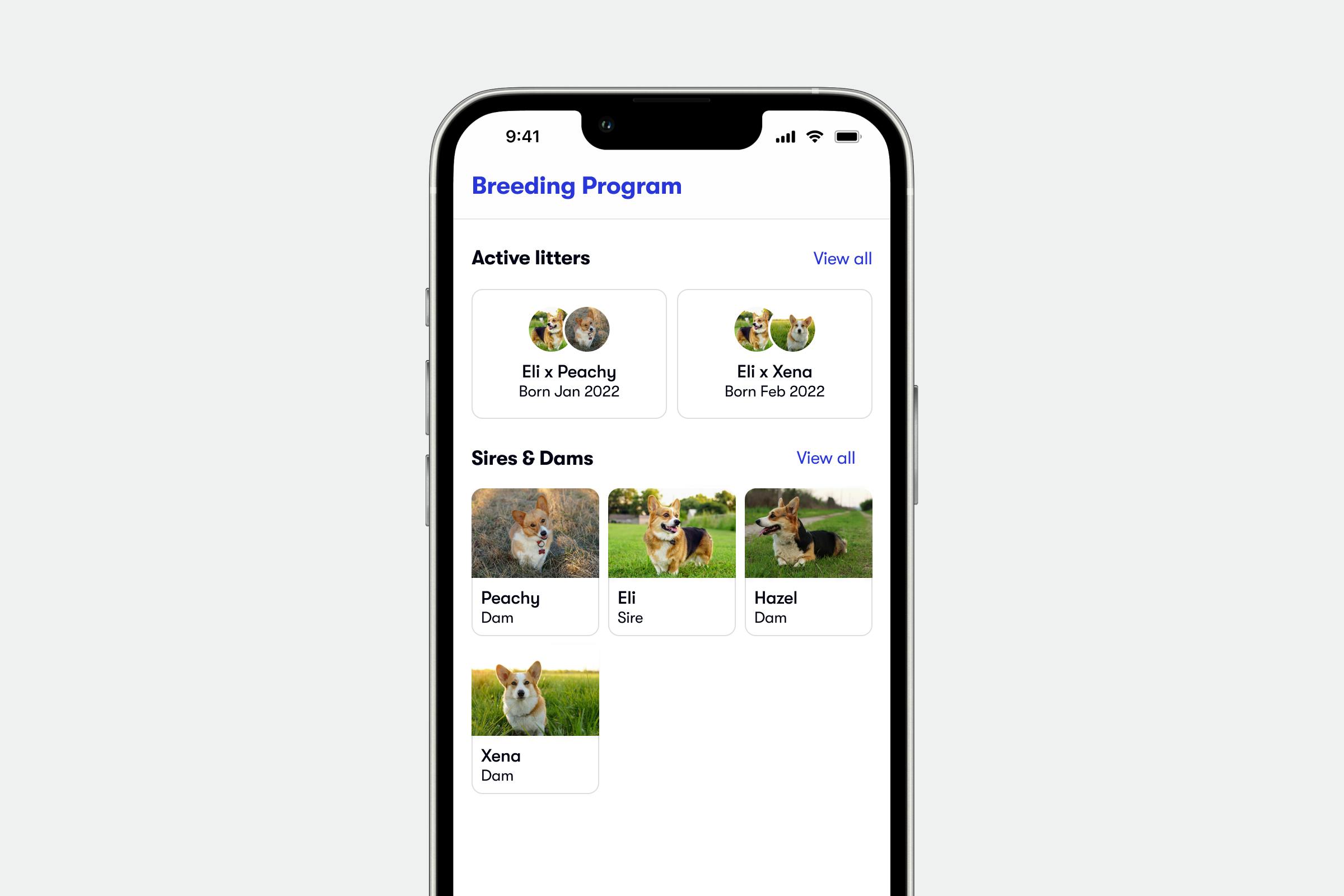
You can also edit or add individual sires and dams. Tap into each dog to edit details and manage their photos, pedigree, notes, and health testing information.
You
The “you” tab is your control center for managing your Good Dog profile and all your account settings. You’ll also be able to access your Good Dog resources and articles like the Discounts and Benefits page and the Good Breeder Center.
With the “you” tab you’ll also have access to the Help Center on the go, which means you can type in your questions to get the answers you need, when you need them!
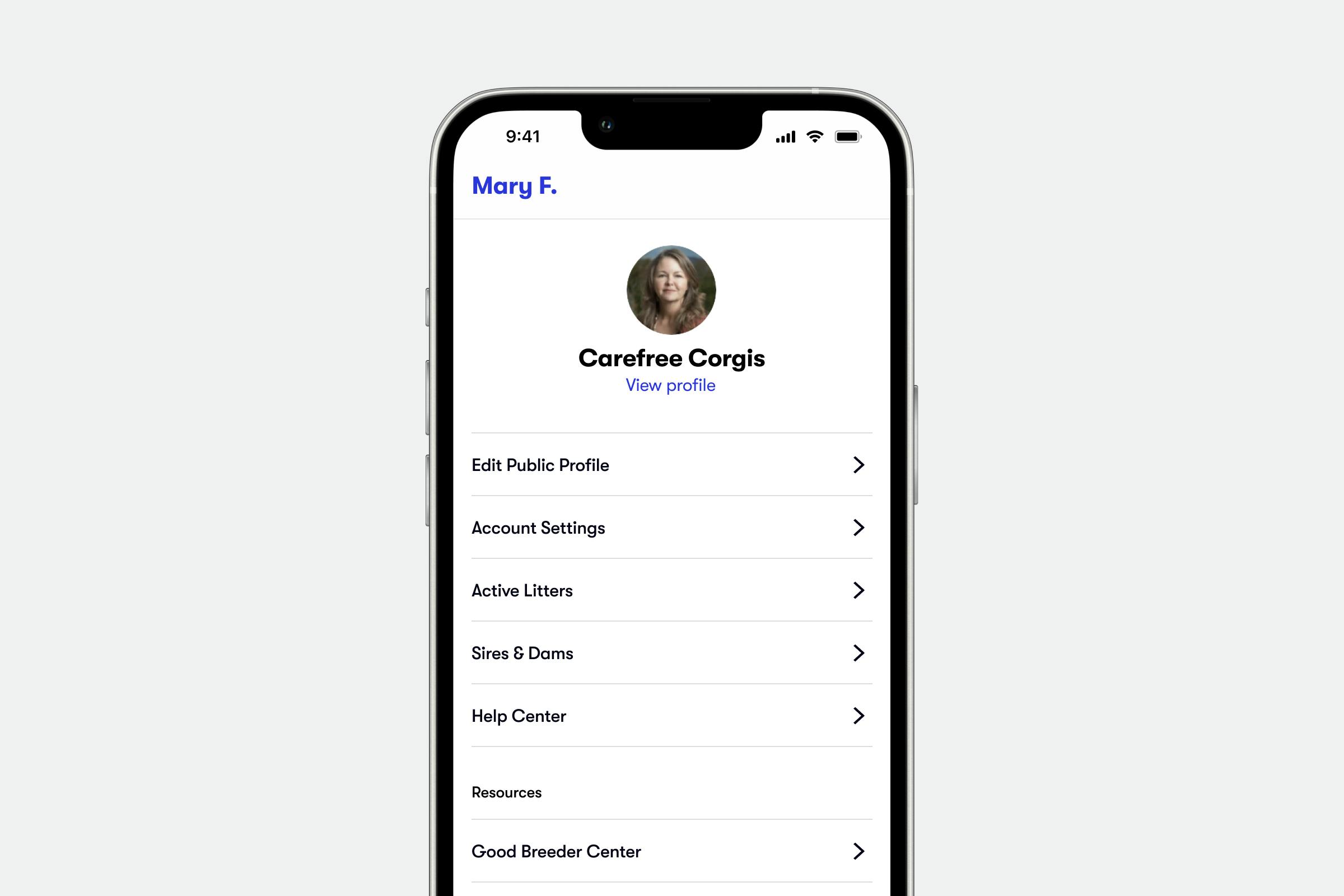
If you still need help, your Good Dog team is never out of reach - you can always contact your Good Dog Specialist using their contact information displayed at the bottom of the screen (or email breederteam@gooddog.com anytime)!
Step-by-Step Instructions:
The Good Dog Breeder App lets you take Good Dog with you, so you can manage messages, applicants and even upload photos from anywhere! If you need any help navigating the app, don’t hesitate to reach out to your Good Dog Specialist Team at breederteam@gooddog.com anytime.
Join our Good Breeder community
Are you a responsible breeder? We'd love to recognize you. Connect directly with informed buyers, get access to free benefits, and more.