SEO 101 for Dog Breeders: How to improve your ranking on Google
Learn about what SEO is and what you can do to rank your site well on Google!
Good Dog is on a mission to educate the public, support dog breeders, and promote canine health so we can give our dogs the world they deserve.

Good Dog is on a mission to educate the public, support dog breeders, and promote canine health so we can give our dogs the world they deserve.
Good Dog is on a mission to educate the public, support dog breeders, and promote canine health so we can give our dogs the world they deserve.
What is SEO (Search Engine Optimization)?
- SEO, or search engine optimization, is the process of improving the ranking of your website in search results of Google and other search engines. For example, a puppy buyer might search for information about breeds, specific breeds, or your specific program. Search engines have incredibly complex and ever-changing algorithms to decide which websites to surface.
Why is it important?
- Many puppy buyers start at Google to learn about breeding programs around them. And even if a puppy buyer has already heard of your breeding program through word of mouth, they still might have trouble finding you! Luckily, there are a few steps that you can take to improve puppy buyers’ chances of finding YOU!
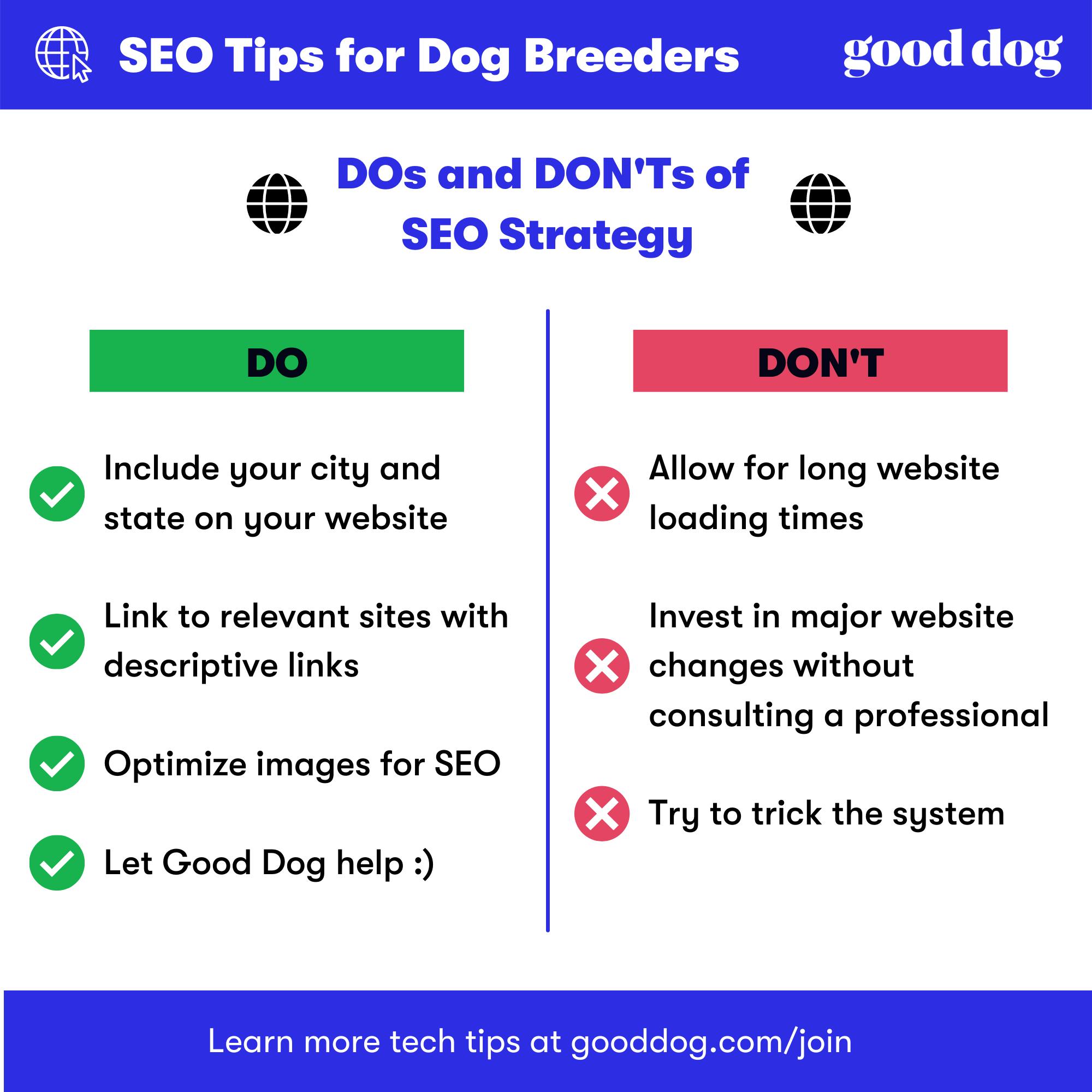
These are the top 4 things you can do help your site rank well on Google
1. Optimize for keywords related to your breed and location
- Puppy buyers are often looking for specific breeds and within a specific region or location. To make things easier for Google, it would help you to include “puppy” and “region” keywords in your title, description, and website content as much as possible. Including relevant keywords like your city, state and nearby neighborhoods/landmarks would help you gain Google’s trust that you are what people are looking for.
2. Make sure your site loads quickly and is easy to read on mobile
- Most visitors to your site these days will often be browsing on their phone. As a result, Google wants to make sure that the site loads quickly for them and that they can navigate through your content. Google has provided an official free Mobile-Friendly Test tool to give you feedback on any possible issues.
3. Link to relevant sites, such as Good Dog, and have relevant sites link to you
- To help Google know what sites are valuable for their users, they take into account what other sites are linking to. To that end, Google knows from past experience that high-quality sites often link to each other. If you are already a member of the Good Dog community, you should include a link to your Good Dog profile along with your Good Breeder badge (see tutorial below). Also, having your local breed club link to your website could help your ranking. Be sure to name those links with descriptive keywords like “breed club” rather than “click here”.
4. Use free tools to help with further next steps
- For people looking for that extra boost or more advanced SEO steps, there are lots of helpful tools. A free tool that is particularly recommended by Good Dog is Woorank. Woorank, like other tools such as SEMRush all have free trials and can conduct a free SEO audit of your website that you can use as a helpful and detailed guide on improving your SEO ranking.
Keep in mind that SEO is a marathon and not a sprint. Given the complexity around Google, there are no guarantees in SEO, but these are some steps that you can take to help increase your chances of ranking well! If you are still having trouble with SEO or have more questions, stay tuned as Good Dog will continually be working on more resources to help our community.
How to add your Good Breeder Recognition Badge to your website
- From your dashboard, navigate to the dropdown in the upper right hand corner of your screen and select “Downloads”
- Click the “Download” button by your Recognition Badge
- Upload the badge to your breeding program website with a link to your Good Dog profile
- If possible, we recommend using these at half the size (or 350x412px)