


.jpg?type=dog&crop=48x48)


-.jpg?type=dog&crop=48x48)


Breeders
Get help with the Good Breeder application process, setting up your breeder profile, payments, and more.
Back
How to sign a contract
To sign a contract, follow the steps below:
- Find and open the email in your inbox, sent via DocuSign
NOTE: The email subject should include the name you gave your contract template, and look like “[Template title] - Signature requested by Good Dog”
- Click Review & Sign (this will bring you to the contract)
- Follow the prompts to fill in the information assigned to you
- Once all the required fields are completed, including your eSignature, click Continue to review the Contract before submitting
- Select I agree to submit your portion of the contract
Once you and your buyer have signed, you'll each get an email confirmation with a downloadable copy of your fully executed contract.
_____________________________________________
RELATED RESOURCES
_____________________________________________
Still have questions? Contact the Good Dog Breeder Team, 7-days-a-week!
📞 (385) 308-0373
💬 (385) 308-0373
📧 breederteam@gooddog.com
Still need help?
Contact SupportFeatured Articles
-
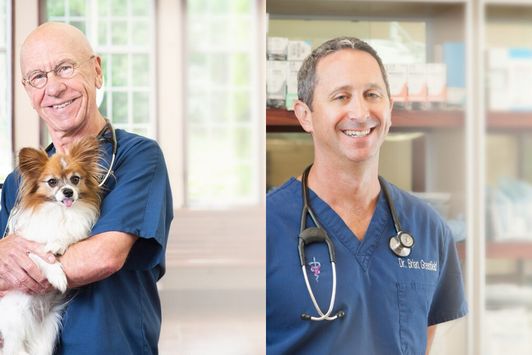
Good Dog Q&A with Dr. Hutchison and Dr. Greenfield
Dr. Hutchison & Dr. Greenfield explore ethics in dog breeding.
-
The latest information on transportation during COVID-19
Wondering what to do about getting your pups to their new homes in the age of coronavirus? Here's the current situation.

Are you a dog breeder interested in learning more about our community from a real person?
If you’re a responsible breeder and are interested in learning more about us, our community, and our mission, we’d love to speak with you. Please feel free to email us anytime at breederteam@gooddog.com and a member of our dedicated breeder team would be happy to answer your questions and share more about Good Dog with you.
Join our Good Breeder Community
Are you a responsible breeder? We'd love to recognize you. Connect directly with informed buyers, get access to free benefits, and more.